Media element
Description:
The Media element block displays an image or video at 100% width.
Settings:
- The media element can optionally be displayed centred at 50% width
- A heading can optionally be displayed
- If this is activated, the heading size can be selected(H2 (default), H3, H4)
- If this is activated, the alignment of the heading can be set (left (default), centred or right)
- The media element can optionally be displayed without rounding
- The media element can optionally be displayed without a shadow
- The background can be set(standard (no background), dark, waves, honeycomb)
Examples:
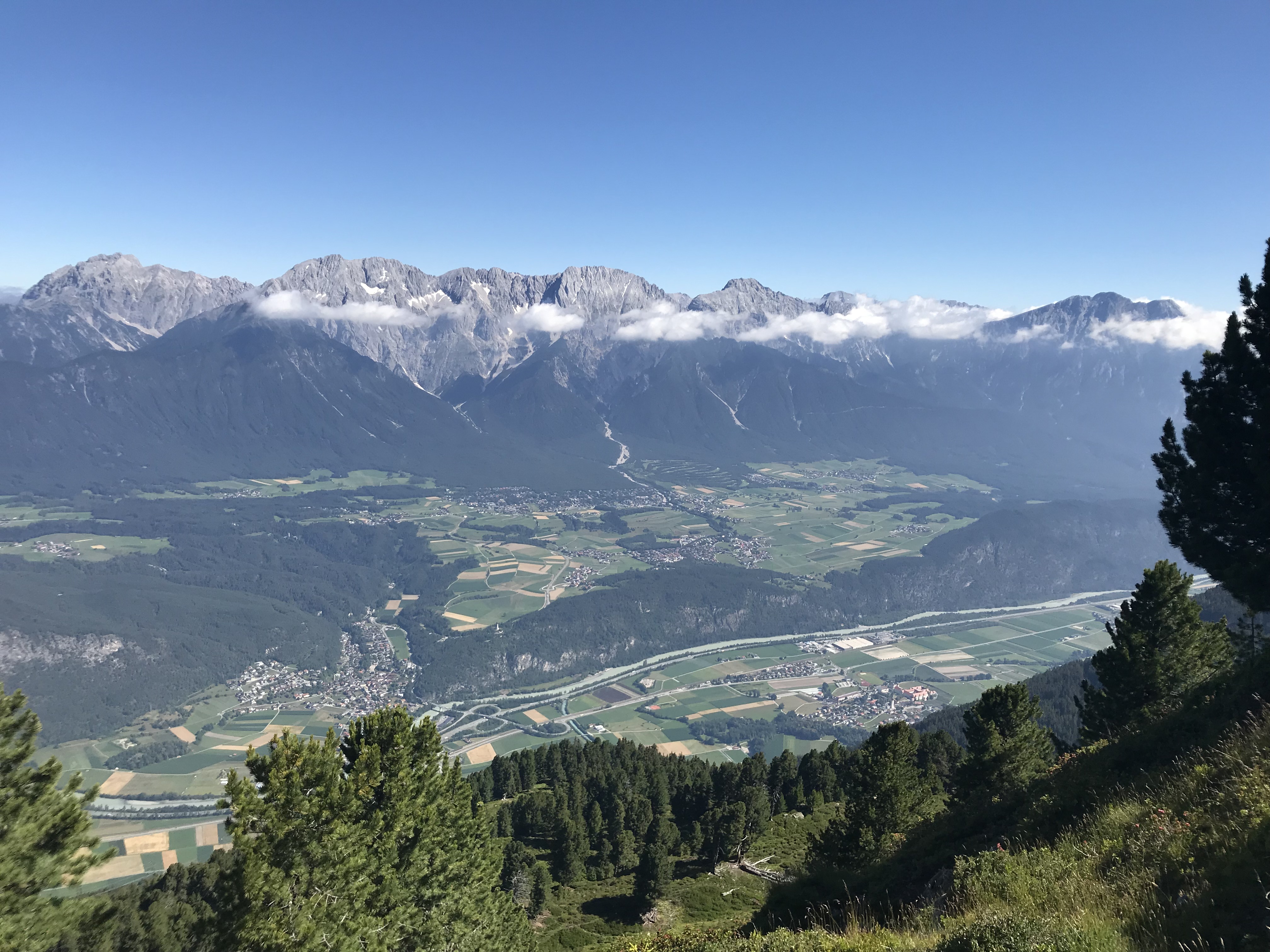
"Media element" block with heading (H2)
"Media element" block with heading (H3)
"Media element" block with heading (H4)
Dark background:
Wave background:
Honeycomb background: