
Description:
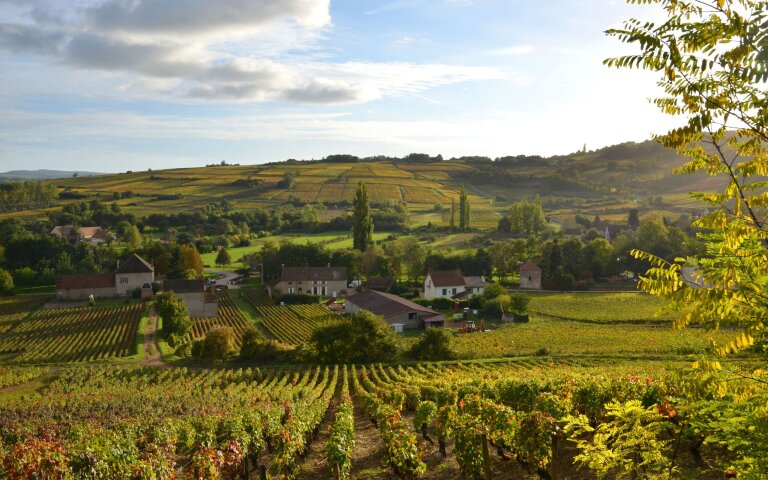
The Header 2 block displays a text with buttons and logos on 50% of the screen width and an image on 50% of the screen width. The image is used as a background on mobile devices.
Settings:
The following can be set for the Header 2 block:
- Whether the block should use the page title (H1)
- If the page title is used, it is no longer displayed below the header
- An image
- An alternative text for the image
- Up to two links
- The first link is always displayed as a button in the primary colour
- The second link is always displayed as a button in the secondary colour (only the frame)
- The alignment of the texts, links and logos (left (default) or right)
- Image for 4 logos
- The logos can be omitted completely
- The logos can optionally be displayed in greyscale